
Oobit card review: a Visa you fund straight from your own wallet, and what the small print actually costs
 Available in US
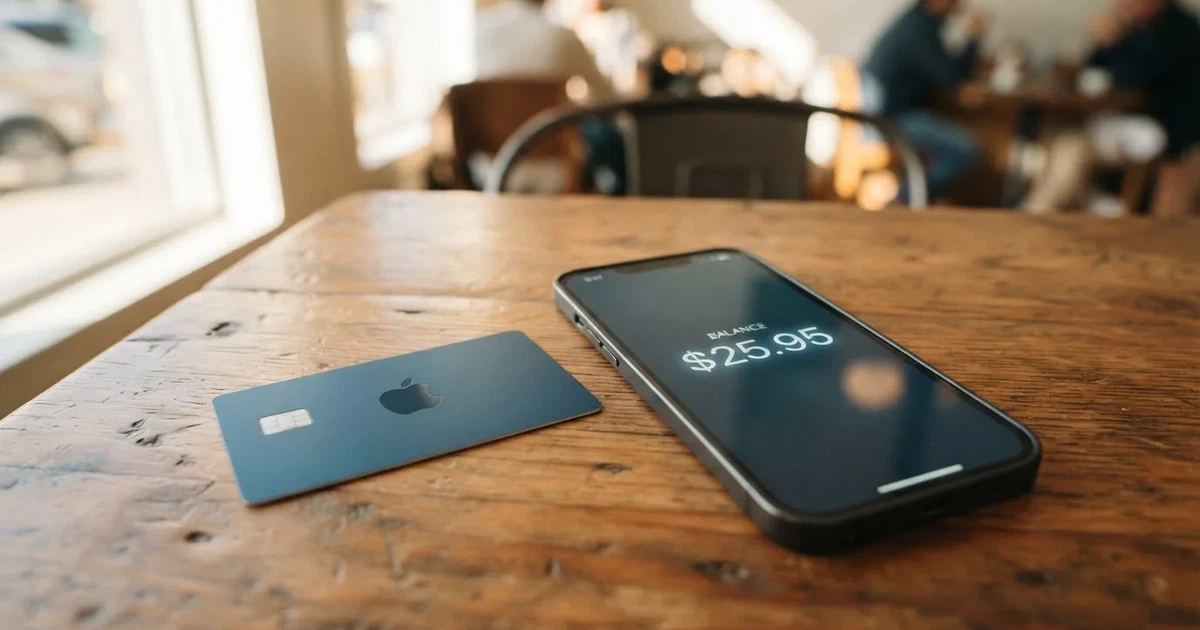
The Oobit card is a Visa that spends from a crypto balance rather than from a bank account. That single idea is what makes it interesting and what makes it different from a normal bank card: there is no loan, no credit line, no overdraft, and the crypto you spend can stay in your own self-custody wallet until the very moment you tap to pay. The card itself is a virtual Visa Platinum, it works in Apple Pay and Google Wallet, and Oobit says the programme is available in more than 75 countries. It is not a bank, it does not name its card issuer publicly, and the way it describes the cost of spending depends on which page of the help center you happen to read. This review walks through the real fees, the practical limits, what people say goes wrong, and which alternatives are worth comparing it against.
Conditions are current as of October 28, 2026.
Verdict
I have spent time going through Oobit’s own pages, its help center, the App Store and Google Play listings, the Trustpilot reviews, and the public details of its US partner Bakkt. Pulling that together gives Oobit a score of 6.8 out of 10. That is a middling, slightly above-average mark for a crypto card in 2026: it does the basics well, it has an interesting self-custody angle, but it leaves a few important things unsaid and a non-trivial number of customers report being stuck.
The Oobit card is a good fit for you if you already keep crypto in a self-custody wallet (MetaMask, Phantom, Trust Wallet or a Base account) and want a card that spends directly from that wallet without first selling into a custodial balance. It is also a reasonable fit if you live in a country where ordinary Visa debit cards are hard to get and you need a virtual card in Apple Pay the same day. The 1% spending fee is competitive, the 5% stablecoin cashback (capped) is real, and the 10% cashback when you stake and use OOB tokens is unusually generous on paper.
It is not a good fit for you if you want a clearly identified bank behind your card, if you plan to take out large amounts of cash from ATMs (the 2.5% fee plus a 250-dollar-per-withdrawal cap makes that expensive fast), if you live in an unsupported or restricted jurisdiction, or if you are not willing to keep your own seed phrase safe. Self-custody is the whole point of the product, and it is also where the worst-case losses happen.
Score breakdown
| Criterion | Score | Why it scored that way |
|---|---|---|
| Who can get it | 7/10 | 75+ countries across Europe, the Americas, Asia/Middle East, Africa and Oceania, but Russia, Belarus and several smaller markets are excluded. |
| Cost | 7/10 | No issuance or monthly fee, 1% on purchases, 0.95% on swaps, 2.5% at ATMs; reasonable for the category, but FX on non-USD payments is not clearly stated. |
| Top-up options | 7/10 | USDT, Bitcoin, Ethereum and other stablecoins, with direct links to MetaMask, Phantom, Trust Wallet and Base, though supported networks are not listed. |
| Reliability and complaints | 5/10 | Card issuer is not named; Trustpilot sits at 3.8 out of 5 across 495 reviews, with recurring complaints about held funds, blocked cards and slow support. |
| Everyday use | 8/10 | Virtual Visa, Apple Pay and Google Wallet, 250 dollars per ATM withdrawal, points-based rewards from the first euro spent. |
| Total | 6.8/10 | A solid self-custody card that could rise into the 7s if Oobit named its issuer and tightened support response times. |
Who will they give you the card
Oobit says the card is available in 75+ countries, and the support site carries a fuller list (the full list was not read end-to-end here). Drawing on what the support pages do spell out, the geographic picture is broad but uneven. Europe is the strongest region with 43 countries covered, including the UK, Germany and Spain. The Americas have 17 countries, Asia and the Middle East 10, Africa 3 (Kenya, South Africa and Tanzania), and Oceania 2. Practically, that means most of Western and Central Europe is in, large parts of Latin America are in, and a long list of smaller Asian and African markets is in, while big population centres such as India, China and most of the Middle East are not in the picture at all.
A few specific callouts matter if you are checking whether to bother applying. Georgia, Serbia, Kazakhstan and Kyrgyzstan are on the supported list, which is interesting if you live in or hold citizenship of one of those countries and have been turned down elsewhere. The UAE and Turkey are not on the supported list, and neither is Armenia. Russia and Belarus are explicitly on the “Not supported in” list, alongside the usual sanctions-driven omissions. Citizenship versus residence is not stated, so if you hold a Russian or Belarusian passport but live in, say, Georgia or Serbia, the safest assumption is that you should not apply until you have confirmed directly with Oobit support.
If you are reading this from a country that does not appear on the support list, the practical answer is that the app will almost certainly refuse to verify you. Oobit does not describe a waitlist or a “coming soon” mechanism for new countries, so there is no realistic way around an unsupported jurisdiction.
How to get it
The signup path is short enough to walk through in a paragraph. You install the Oobit app on iOS or Android, you create an account, and the app asks you to verify your identity before requesting the card. Verification is mandatory: a passport or a driver’s licence, and sometimes a proof of address (utility bill, bank statement, similar). Bank payouts need a one-time proof of address before the first withdrawal, even if the card itself was already issued. Most accounts are verified in minutes; some take up to 24 hours, and rejections are mostly down to expired, blurred or mismatched documents, in which case you resubmit in the app.
The card you receive is a virtual Visa Platinum, not a physical card. Once verification moves your account to Active, the card is provisioned into Apple Pay and Google Wallet, and you can add it to a smartwatch. There is no mention of a physical card on the product page itself; if you want a piece of plastic, the official material is silent on that, and what reviewers have written is also silent. Treat the absence as definitive until Oobit says otherwise. A card that sits unused for 90 days is cancelled, and a new one can be requested through the app, so it is worth using the virtual card at least once in the first three months if you want to keep it.
The App Store listing for Oobit in the US, as of 20 October 2026, shows 4.5 from 134 ratings, iPhone-only, and a minimum of iOS 15.4. Google Play listings for the app in different regions sit between 4.7 and 4.8, with roughly 25,000 ratings. Those numbers are useful mostly as a sanity check: the app is not abandoned, and the bulk of ratings cluster in the upper range. The US App Store figure is lower simply because the user base is much smaller, so each rating carries more weight.
Fees: what it really costs
The headline pricing is straightforward. Account creation is free, card issuance is free, and there is no monthly or annual fee for holding the card. The fees that matter are the ones you pay when you actually use the card, and the table below summarises them.
| Fee or limit | Value | Notes |
|---|---|---|
| Account creation | Free | — |
| Card issuance | Free | Virtual Visa only; physical card not offered on the public page. |
| Monthly or annual fee | None | — |
| Card purchase (in-store / online) | 1% (minimum $0.25) | The fee is the same in Brazil but with no minimum, plus local IOF and FX charges. |
| ATM withdrawal | 2.5% (minimum $0.25), plus any operator fee | Up to $250 per withdrawal including operator charges, 3 attempts per 24 hours. |
| FX fee | Not separately stated | Card settles in local currency; non-USD costs are not itemised by Oobit. |
| Crypto swap (in-app) | 0.95% (3% when receiving OOB) | From $5 to $10,000 per swap. |
| Single card purchase | $1 to $2,000 | — |
| Rolling 24-hour purchase cap | Up to $25,000 | FAQ says up to $10,000 per day; the two official pages differ, so the lower number is the safe assumption. |
| ATM | Up to $250 per withdrawal | See above. |
| Stablecoin cashback | 5% on eligible payments | Cap applies at $200 of spend in the relevant cycle. |
| OOB-token cashback | 10% on eligible payments | Cap applies at $5,000 of spend in the relevant cycle. |
To make that concrete, three everyday scenarios:
Paying $100 for groceries with Apple Pay. The 1% fee is $1, and because that is well above the $0.25 minimum you pay exactly $1. Total cost of the transaction: $1, on top of whatever spread your wallet charges when you convert crypto into the payment currency.
Withdrawing $200 from an ATM. The 2.5% fee is $5, again above the minimum. The ATM operator may add its own charge (commonly $2-$5 outside your own bank’s network). Total cost: somewhere between $7 and $10 for a $200 cash withdrawal, before any conversion cost from crypto to dollars.
Buying something online for €85 while your balance is in USDC. You pay the 1% purchase fee (about $0.95 at current rates) plus whatever spread sits between USDC and the euro equivalent at the moment of conversion. Oobit does not publish an FX margin for this, and at least one Trustpilot reviewer (24 August 2026) reported a non-USD cost of roughly 7%, which is well above what the published 1% would suggest. That figure is unofficial and not confirmed by Oobit, but it is a useful flag: assume there is some hidden margin on non-dollar payments and check the first few transactions in the app.
The reward side is structured around cumulative spend over a 90-day cycle, in five levels. At Level 1 (any spend) you earn 1x points; at $250 of cumulative spend you move to 2x; at $500 to 3x; at $1,000 to 4x; at $1,500 to 5x. One thousand points equal one US dollar. The headline 10% cashback is paid in OOB tokens, not in fiat or in stablecoin, so its real value depends on the OOB price at the moment you claim or convert it.
Top up: how to fund the card
Top-up is where Oobit is genuinely different from most of its competitors, and it is worth slowing down on this section because the design choice is what makes the card appealing or a non-starter depending on who you are.
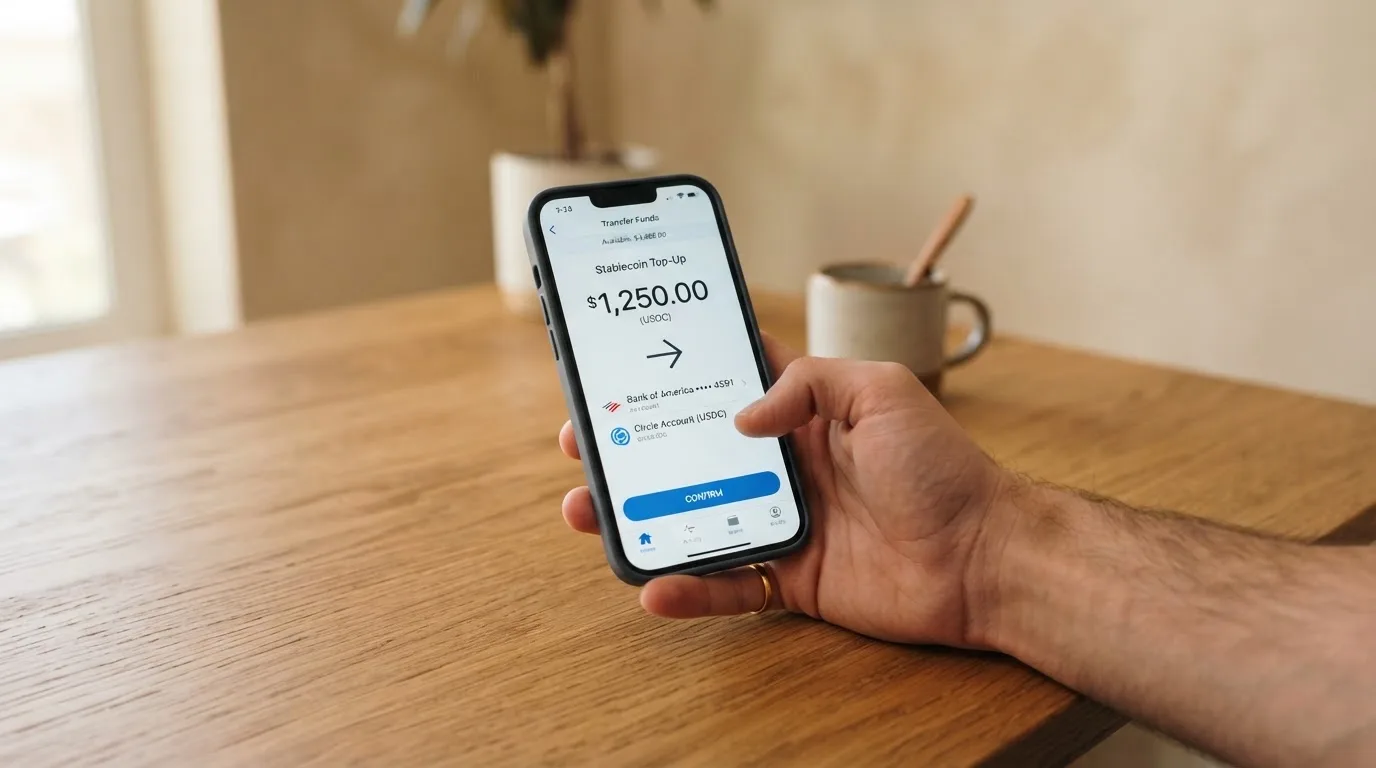
There are two routes. The first is a connected self-custody wallet through Oobit’s DePay integration. You link MetaMask, Phantom, Trust Wallet or a Base account, the crypto stays in your wallet, and the card pulls funds at the moment of payment, with you authorising each transaction. The second is the in-app Oobit balance, which you fund by depositing crypto (minimum $0.10) and then spending from. Both routes accept USDT, Bitcoin, Ethereum and other stablecoins.
The detail Oobit does not publish is which networks are supported. That matters because stablecoins such as USDT and USDC exist on a dozen or more chains, and sending the right coin on the wrong chain is one of the most common ways to lose money in crypto. If you plan to top up from an exchange, the safe pattern is: open the Oobit deposit screen, copy the address it shows, then in your exchange or wallet pick the exact network and token the screen specifies, and send a small test transaction first. If Oobit does not specify the network on the deposit screen, that is a reason to pause and ask support before moving any meaningful amount.
You can also buy crypto inside the app through Transak, in which case the limits and fees are set by Transak and shown at checkout. Crypto withdrawals to external wallets cost a network fee, which is displayed before you confirm. Swaps inside the app cost 0.95%, or 3% if the asset you receive is OOB.
Fiat top-up fees are not stated. If you are in a country where you can top up via bank transfer, expect the fee schedule to be light on details and to depend on what your own bank charges for the transfer. Bank transfers are limited to $50,000 per transfer with a minimum of €10 / £10 / $10, and failed bank transfers are automatically refunded to your Oobit balance.
A short summary of the main top-up paths:
- Self-custody wallet via DePay: pay directly from MetaMask, Phantom, Trust Wallet or Base. Crypto stays in your wallet until the moment of payment. Networks not listed.
- Crypto deposit to Oobit balance: minimum $0.10, swap 0.95% (3% for OOB).
- Buy crypto with fiat in-app via Transak: limits and fees shown at checkout.
- Bank transfer: up to $50,000 per transfer, minimum €10 / £10 / $10, fee not specified.
- Crypto withdrawal to external wallet: $1 to $50,000 per withdrawal ($5 minimum for US residents), network fee shown before confirming.
Paying with it every day
In day-to-day use the Oobit card behaves like a prepaid Visa. You tap to pay in a shop, you enter the card details at an online checkout, you add it to a wallet on your phone. Apple Pay and Google Wallet are supported; you can also add the card to a smartwatch. Blocked merchant categories are not stated, so if gambling or crypto purchases are important to you, treat that as unknown until you have tested the merchant yourself.
Online checkouts that use 3-D Secure (Visa Secure, in Oobit’s case) will sometimes push a one-time code or a biometric prompt to your phone. That is the network and the issuer doing their part, not Oobit specifically, and it is the same flow you would get with any other Visa. Address Verification Service, which US and Canadian merchants often use, is generally not available on foreign-issued cards, and that mismatch is a common reason a foreign BIN gets declined even when the card is funded. If a payment keeps failing online, that is the most likely reason.
The card can be locked in the app, which is the right move if you lose your phone or suspect the card details have been copied somewhere. The card can also be removed from a specific device, which is useful if you have added it to an old phone you are about to sell. The platform also talks about “bank-grade encryption” and real-time blockchain monitoring, but two-factor authentication, deposit insurance and customer-fund safeguarding are not stated. If any of those matter to you, ask support before you load meaningful funds.
Cashback and points, in practice, look like this. From the first dollar of spend you earn 1x points, and you climb the five-level ladder by hitting $250, $500, $1,000 and $1,500 of cumulative spend in a 90-day cycle. Five times points at the top tier is a respectable rate, and the headline 5% stablecoin cashback or 10% OOB cashback is on top of that, within the published caps. The catch is that OOB is the asset you are paid in for the higher rate, so the value of your cashback tracks the OOB price.
The 1% spend fee is competitive, and the 5x rewards at the top tier mostly offset it, but only on a heavy-use month. If you are a light user who only spends $200 a month, the rewards barely cover the fees.
What can go wrong
The product side of the card is clean. The risky side is mostly about the people and entities behind it, and about the categories of complaint that show up again and again in user reports.
Oobit Technologies operates “through multiple entities globally”. For US crypto services the partner is Bakkt Financial Solutions I, LLC; the December 2025 US launch made the card available in all 50 states through that arrangement (secondary report, not an Oobit press release I could link to). The card issuer is not named on Oobit’s public pages, only that it works “with licensed partners depending on your location”. That is unusual for a card product and worth flagging: most card programmes put the issuer’s name on the back of the card, in the app, and in the help center, because the issuer is the entity that actually holds the regulatory licence to issue payment cards. If you cannot find the issuer on the card itself, that is a real gap, not a stylistic choice.
Trustpilot scores the Oobit profile at 3.8 out of 5 across 495 reviews as of 20 October 2026, with no recent history of asking for reviews. The themes are consistent across the most recent negative reviews:
- Held or missing funds, in several cases deposits from other wallets that “never arrived” (Apr 2026).
- Unresolved refunds, including an Amazon refund reported on 8 October 2026 that had not been credited.
- Unresponsive or slow support, with messages in July, August, September and October 2026 describing days-long waits and no reply.
- Card suspension or full account block, sometimes after a routine top-up, with limited explanation.
- Opaque fees, particularly around converting USDC or EURC to euros and on withdrawals.
A pattern worth noting: Oobit does respond to negative reviews on Trustpilot, and the response rate is essentially 100%, but most replies are templated and ask the reviewer to move the conversation to [email protected], after which the user reports are mixed. The negative reviews cluster in the second half of 2026 more than in the first half, which is consistent with the US launch in December 2025 having brought a wave of new users onto a support function that was already stretched.
The self-custody side of the product has its own risk profile. If you connect a MetaMask or Phantom wallet and a piece of clipboard-hijacking malware swaps the deposit address you copied, you can lose the funds before Oobit ever sees them. If you lose your seed phrase, no one at Oobit can restore your wallet. The product’s promise, that your crypto stays in your wallet until you authorise a payment, is also its biggest source of risk: the security model is only as strong as the device you sign transactions on, and Oobit’s claim of “bank-grade encryption” does not extend to your laptop or your phone.
A final thing to check before you commit: how disputes are handled. The help center does not describe a formal chargeback or dispute process for the card. The advice for a declined payment is to check the in-app notification and retry, and the warning that a merchant charging more than first approved can leave a negative balance and pause the card. Compared with a normal bank card, where you can call your issuer, open a dispute, and have Regulation E or Z protections behind you, that is a much thinner safety net, particularly for prepaid cards.
What to take instead
If you are weighing Oobit against other crypto cards in the same general bracket, three alternatives come up most often in user discussions and have enough public information to compare. The table below lines them up on the points that matter most.
| Card | Score | Issuance and holding fees | Spend fee | FX fee | Top-up coins | Cashback |
|---|---|---|---|---|---|---|
| Oobit | 6.8/10 | Free | 1% (min $0.25) | Not stated | USDT, BTC, ETH, other stablecoins, from self-custody | Up to 10% in OOB (capped) |
| BloFin Wallet Card | 6.9/10 | Free | 1% or lower by VIP tier (0% at VIP 5) | Not stated | USDT, USDC on Arbitrum and Base | No cashback; reduced spend rate instead |
| Decaf | 6.2/10 | $5 virtual, $10 physical (US), $90 physical (rest of world) | Not stated | None added; Visa’s rate | USDC and bank transfer; runs on Solana and Stellar | Not stated |
| SafePal | 6.2/10 | Not stated | Standard top-up 0% | 1% on non-USD Mastercard settlement | 40+ blockchains, converted to USDC or fiat | No cashback; referral commissions up to 40% |
A few words on each.
BloFin Wallet Card is the closest competitor on the self-custody side. It also connects to your own wallet and converts at the moment of payment, and its VIP ladder is more aggressive than Oobit’s: spend enough and your spend fee drops to zero. The catch is geography: the published list is 35 countries, including the US, Australia, Japan, the UAE, Brazil, Mexico, Malaysia and New Zealand, and the card is not available everywhere Oobit is. If you are in one of the listed countries and you spend heavily, BloFin is a credible alternative.
Decaf takes a different angle. It is a Visa card, virtual or physical, with no added FX fee (you get the rate Visa itself offers), and a clean USDC-funded balance. Activation costs $5 for the virtual card and $10 or $90 for the physical one, depending on where you live. The restricted list is long and includes Russia, Belarus, China, India, Iran, Iraq, Israel, Myanmar, Nepal, Syria, Turkey, Cuba, Ukraine, Venezuela, Vietnam, Nicaragua, Puerto Rico and Nigeria, plus a number of US states. If you are outside all of those, Decaf is worth a close look; if you are inside any of them, the decision is made for you.
SafePal is the budget option. It is a virtual Mastercard, no account or management fees, a 0% standard top-up fee, and a 1% FX fee on non-USD Mastercard settlement. The reward side is referral-driven rather than cashback, which is a different product philosophy. The country list is published at /en/bank/regions but was empty when fetched, so before you apply you need to confirm your country in the app itself. If you are already in the SafePal wallet ecosystem, the card is a natural extension; if you are not, the headline fee structure is the main reason to consider it.
Who I would recommend it to
Putting the whole picture together, I would recommend the Oobit card to a fairly specific kind of reader. You already hold crypto in a self-custody wallet, you are comfortable authorising each payment from that wallet, and you want a virtual Visa that you can add to Apple Pay or Google Wallet the same day. You live in one of the 75+ supported countries, you do not plan to take out more than the occasional $250 from an ATM, and you are happy to treat any cashback in OOB tokens as a bonus rather than as income. You understand that the card issuer is not publicly named, that disputes go through in-app support rather than through a formal chargeback process, and that if you lose your seed phrase no one at Oobit can help you.
I would not recommend it to you if you want a card backed by a clearly identified bank with a regulator you can look up, if you live in an unsupported or restricted jurisdiction, if you take out cash from ATMs regularly, if you want strong chargeback rights on every purchase, or if you would rather hand custody of your crypto to a regulated custodian and spend from a fiat balance. The product is honest about what it is, but what it is, is a self-custody-first card with a support team that is, by user reports, sometimes slow to respond. That is a reasonable trade-off for some readers and a deal-breaker for others.
The single best thing to do before signing up is to install the app, complete verification with a clean scan of your passport, and run a single small transaction (a $5 top-up, a $1 in-store tap, a $1 online payment) to see how the conversion cost, the fee, and the cashback actually behave in your currency. That tells you more in ten minutes than any review can, and it costs almost nothing.
Frequently asked questions
What is the Oobit card?
The Oobit card is a virtual Visa Platinum that lets you pay in shops and online from a crypto balance. It is not a credit card: there is no loan and no overdraft, and the card spends only what is loaded or what your connected self-custody wallet authorises at the moment of payment.
How does the Oobit card work?
You verify your identity in the Oobit app, request the card, and add it to Apple Pay or Google Wallet. You fund it either by depositing crypto into your Oobit balance or by connecting a self-custody wallet (MetaMask, Phantom, Trust Wallet or Base) and authorising each payment at the tap.
Is Oobit a bank?
No. Oobit is a technology company that operates through multiple entities globally; in the US it works with Bakkt Financial Solutions for crypto services. The card itself is issued by a licensed partner depending on your location, but the issuer is not named on Oobit’s public pages.
Is the Oobit card available in my country?
The card is available in 75+ countries, with the strongest coverage in Europe (43 countries). Russia and Belarus are explicitly not supported, and several other jurisdictions are missing. The cleanest way to check is to install the app and try to verify, because the country check happens at that step.
Does the Oobit card require KYC?
Yes. Verification is mandatory and runs on a passport or driver’s licence, with proof of address sometimes requested. Most accounts are verified in minutes, some take up to 24 hours, and rejected documents can be resubmitted in the app.
How do I add the Oobit card to Apple Wallet?
In the Oobit app, after your account is Active, choose the card and tap the option to add it to a wallet. The card is provisioned into Apple Pay and Google Wallet, and can also be added to a compatible smartwatch. A physical card is not mentioned in the public material.
How do I top up the Oobit card?
You can deposit crypto (USDT, Bitcoin, Ethereum and other stablecoins) to your Oobit balance, buy crypto inside the app through Transak, or connect a self-custody wallet and pay directly from it. The deposit minimum is $0.10; networks are not listed, so always copy the address and the network shown in the deposit screen and send a small test first.
Is the Oobit card free?
Account creation, card issuance and holding the card are free. The fees that apply are 1% on card purchases (minimum $0.25), 2.5% on ATM withdrawals (minimum $0.25, plus the operator’s own fee), and 0.95% on in-app crypto swaps (3% when receiving OOB). Non-USD FX costs are not stated, and at least one user has reported a much higher effective rate.
Is the Oobit card safe?
The card is built on Visa’s network and lets you lock it in the app. The self-custody path keeps crypto in your own wallet until you authorise a payment, which removes custodial risk but puts the burden of seed-phrase security on you. Two-factor authentication, deposit insurance and customer-fund safeguarding are not stated on the public pages, and the card issuer is not named, so if any of those matter to you, ask support before loading meaningful funds.
How do I close my Oobit account?
You can request account deletion from inside the app or by contacting Support. Withdraw any remaining balance to an external wallet or via bank transfer first, because the way balances are handled on closure is not stated in the public material.
Wallet cards: the entry point – cryptocardportal.com
Content created by the «cryptocardportal.com» team