
I read the TakeCard help centre, fee pages and reviews — here's the picture, including the parts the site leaves out
 Available in US
If you are weighing TakeCard against holding your own crypto, or you simply want a card that spends in dollars without the paperwork of a traditional bank, then this is the page to read before you commit anything. I went through the help centre, the fee pages and the public reviews, and I want to be straight with you about what the site states plainly, what it leaves unsaid, and where the user experience has been rocky for other people. My honest headline is this: TakeCard is a working, sensibly priced USD card aimed at people who already hold crypto, but the company behind it is unusually quiet about who issues it, who regulates it, and which countries it actually serves — and that silence is the first thing you should weigh before you load money onto it.
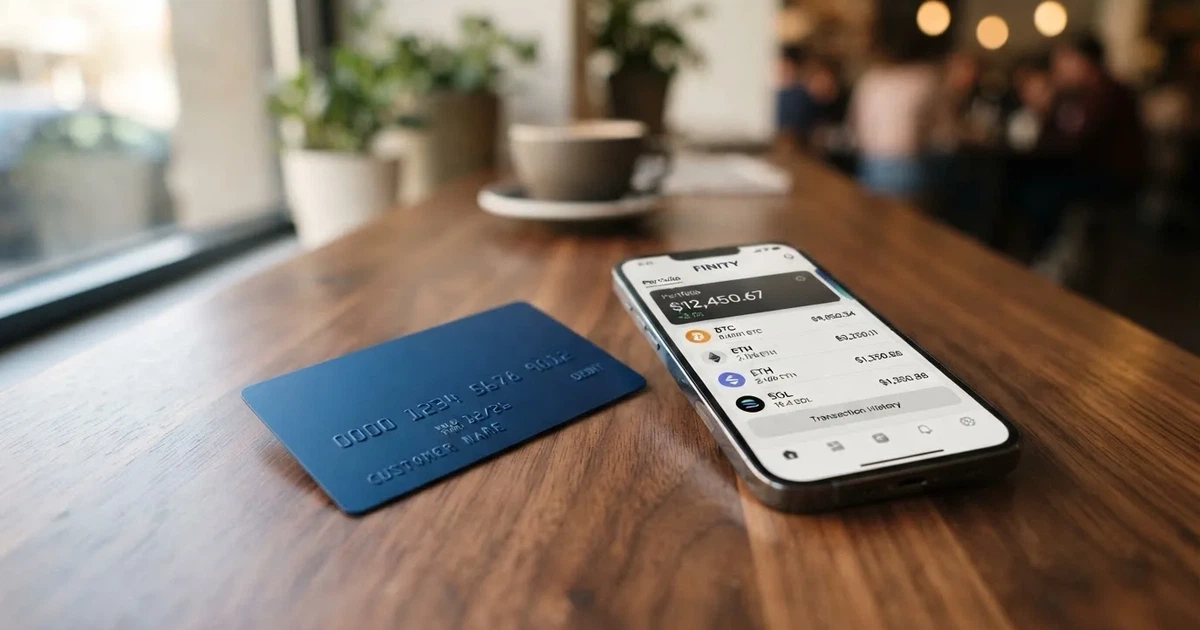
The conditions described here are current as of October 28, 2026.
Verdict: 5.5 out of 10, and the number is fair
I scored TakeCard at 5.5 out of 10. That is not a failure — it is a card with genuinely good economics that is asking you to accept an unusual amount of uncertainty about the company. The prices are better than almost anything else I have read in this category; the disclosure is worse than almost anything else. So the right question for you is not “is this card good?” It is “do I trust a provider that will not tell me who issues its card?”
Who this suits: you already hold USDC or USDT, you mostly spend in dollars, you want a virtual card you can use in minutes rather than a plastic one in the post, and you can afford to keep a working balance on the platform. Who it does not suit: anyone who needs a regulated, named issuer; anyone who needs a physical card outside Bolivia; anyone planning to hold a large balance on the platform; anyone who plans to draw cash out more than occasionally.
Here is the score criterion by criterion, with my reasoning:
| Criterion | Score | Why |
|---|---|---|
| Who can get it | 4 / 10 | Countries are not listed in the help articles; the physical card is Bolivia-only for now, and the broader country list comes from unconfirmed starting data |
| Cost | 7 / 10 | Virtual card 5 USD, 1% per purchase, USD payments at 1:1, ATM at 1% plus the ATM’s own fee — and no monthly fee is named |
| Top-up options | 6 / 10 | Top-up runs from a Takenos account; coins are not named in the article, and the coin and network list is unconfirmed |
| Reliability and complaints | 4 / 10 | Issuer and licences are not named, the card is issued in the United States, and Trustpilot shows 3.2 from 147 reviews with complaints about account deactivation and frozen funds |
| Everyday use | 7 / 10 | Virtual card is immediate, Apple Pay and Google Pay are supported, ATMs work with a 250 USD per-transaction limit — but plastic is Bolivia-only |
| Total | 5.5 / 10 | Good economics, thin disclosure |
If you read that table and your eyes keep returning to “issuer and licences are not named,” you have understood the review. That single gap drags the score more than anything else on the page.
Will they give you the card?
Short answer: the site does not tell you. It is not that there is a long exclusion list — it is that no country list exists on the pages I could read.
What the help articles actually say is telling. The countries are not listed anywhere in the help centre. The physical card is described as “available only to Bolivian users for now.” The Takenos site itself says the wallet can receive payments “from any country.” Those two statements sit in some tension: you can apparently fund from anywhere, but the physical card and the documented availability do not follow you there.
There is a longer list of countries — Argentina, Bolivia, Peru, Chile, Paraguay, Colombia, Ecuador, the US, Spain and Italy — but I want to be clear about its status: that comes from starting data I could not confirm on a public TakeCard page. Take it as an unofficial pointer to test with support, not as a promise. The one fact I would treat as solid is the Bolivia restriction on plastic.
What this means practically: before you spend an hour on documents, ask support — through the in-app chat or WhatsApp — whether the virtual card is issued to a resident of your country and your nationality. Nationality matters separately from residence in card screening, and getting that wrong wastes the whole application.
How to get it
It is a short application: an identity check, then a card in the app. You pass one check once, and the help articles say it can take up to 24 business hours.
The documents are specific. You need a photo of the front and back of your DNI and a short gesture video — a biometric check. Proof of address and proof of age are not stated as requirements, and neither are the rejection reasons. The application runs through the app: Tarjetas, then “Internacional,” then “Quiero mi tarjeta,” you pass the identity check, and the card is then flagged as ready in the app.
What you get is a virtual card, available immediately, or a physical card in Bolivia only. The help article names Visa as the network, states that the card is issued in the United States, describes it as prepaid, and sets the card currency to the dollar — payments in USD go through at 1:1. For the physical card, shipping is 20 USD per the fee page; the delivery time and the cost of a replacement card are not stated.
One check, one time — there are no tiers here, no upgraded tier with higher limits, just the single product in virtual and physical form. That simplicity is genuinely attractive; it also means there is no higher limit to grow into.
What it really costs: Fees
The headline numbers are good. The thing to watch is that the list is short and slightly uneven, and one figure contradicts another inside the company’s own help centre.
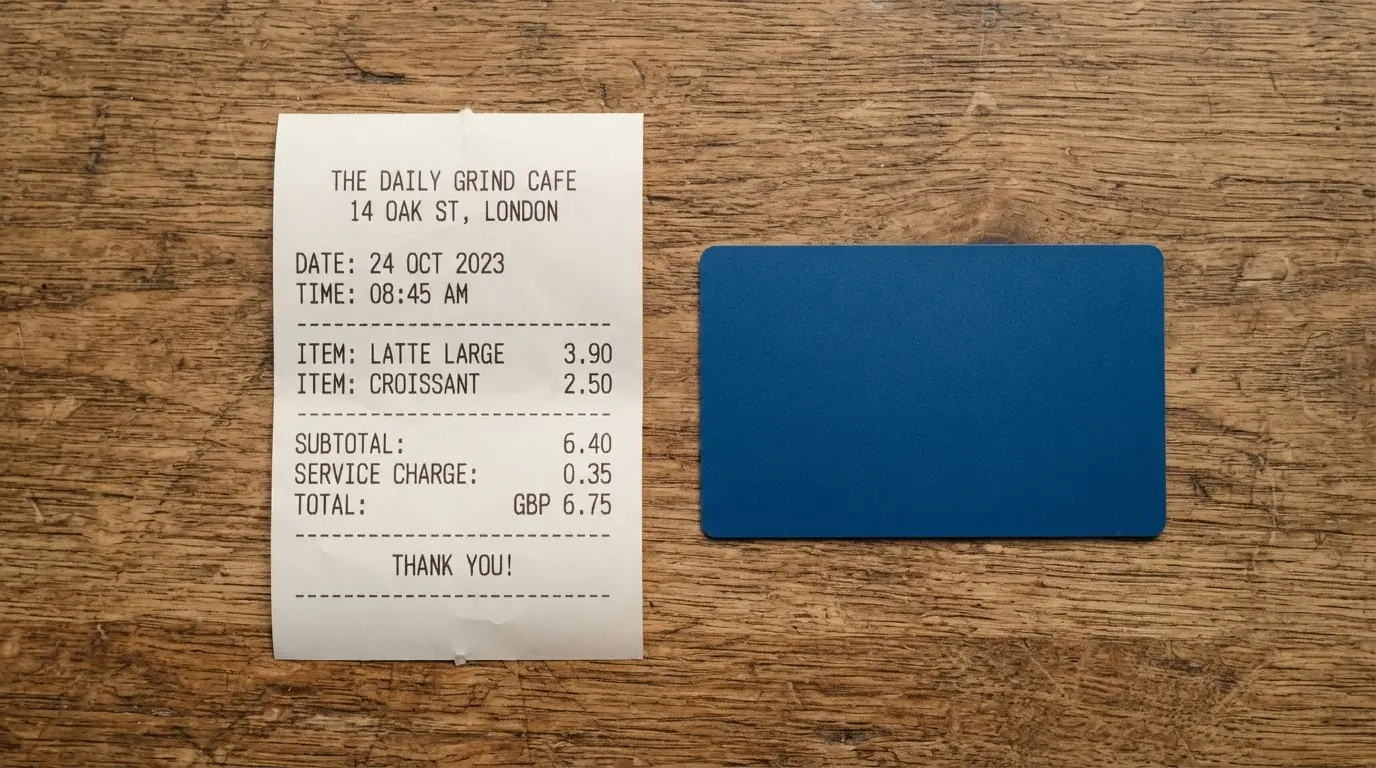
- Virtual TakeCard: 5 USD.
- Physical card in Bolivia: 20 USD issuance plus 20 USD shipping.
- Purchase commission: 1% per purchase.
- USD payments: 1:1, no currency adjustment.
- Other currencies: converted at the official Visa rate on the day of the transaction.
- ATM: 1% Takenos fee on the amount, plus the ATM operator’s fee, usually around 5 USD.
- Monthly fee: none stated.
| Fee or limit | Value |
|---|---|
| Virtual card issuance | 5 USD |
| Physical card issuance (Bolivia) | 20 USD |
| Physical card shipping | 20 USD |
| Monthly fee | Not stated |
| Purchase commission | 1% per purchase |
| USD payment conversion | 1:1, no adjustment |
| Other currencies | Official Visa rate of the day |
| Crypto conversion fee | Not stated |
| ATM fee (Takenos) | 1% of the amount |
| ATM operator fee | Usually around 5 USD |
| Free ATM allowance | None stated |
| Spending limit | No fixed limit — balance only |
| Default weekly limit | 5,000 USD, changeable in the app under Tarjetas, Ajustes, Límites y restricciones |
| ATM limit per transaction | 250 USD, including the ATM fee |
| ATM daily limit | 750 USD across up to 3 transactions |
| ATM attempts | 3 per 24 hours |
Three everyday payments, and which fees bite. A 40 USD subscription in dollars costs you 40 USD plus the 1% commission, so 40.40 USD. A 40 USD subscription billed in euros goes through the daily Visa rate, so the amount in euros depends on the day and the 1% still applies on top. A 60 USD cash withdrawal costs you 1% from TakeCard plus the ATM’s own charge — if the operator’s fee is 5 USD, that is 0.60 USD plus 5 USD, 65.60 USD total.
The conversion fee charged when crypto is turned into spendable balance is not stated on the pages I read. That is the number you would most want before choosing this card, and the one I would ask support about directly.
And a genuine inconsistency to know about: one article in the same help centre says the physical card in Bolivia is 10 USD, against 20 USD on the fee page. I would plan on 20.
How to top up
Top-up runs through your Takenos account. The help article says “You can reload your TakeCard quickly from your Takenos account” — and does not name which coins are involved.
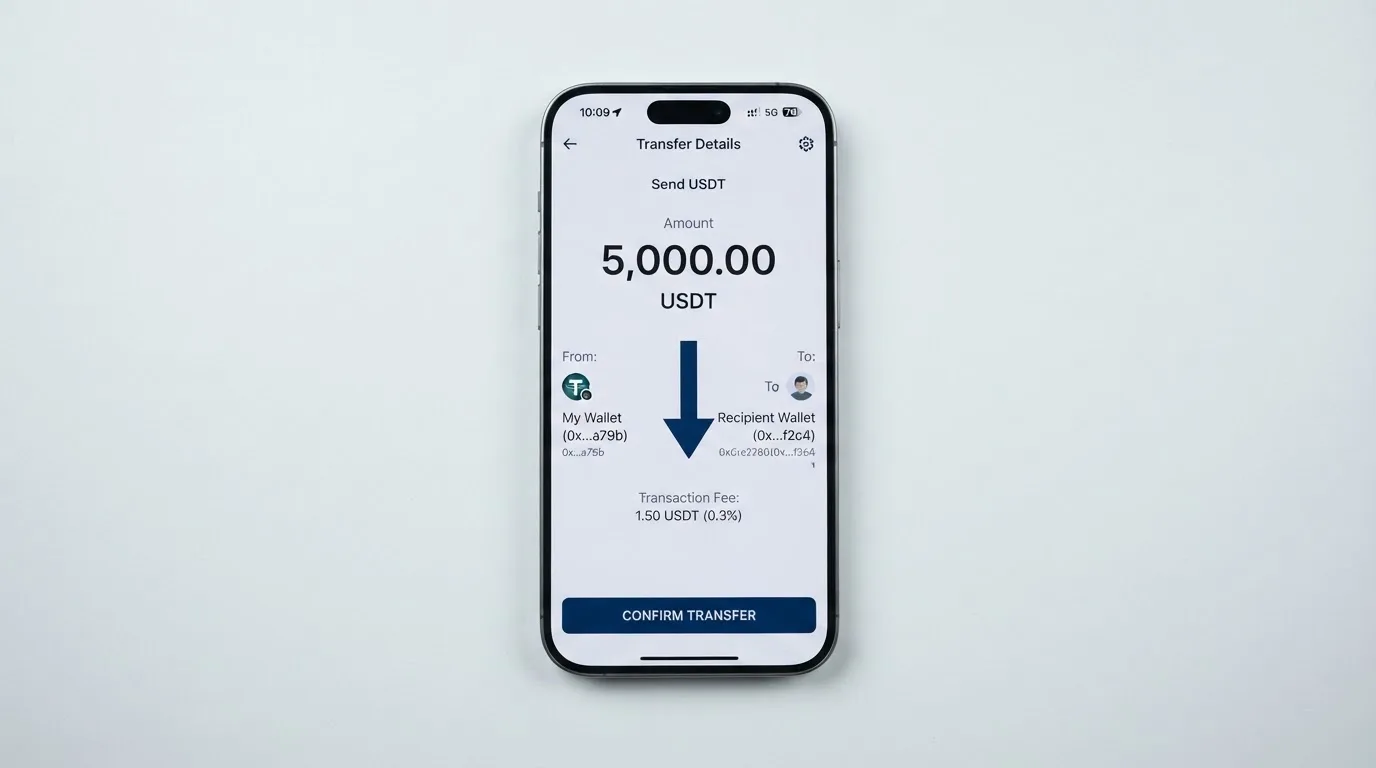
Starting data lists USDC and USDT over Polygon, BNB Chain, Tron and Ethereum, but I could not verify that on a public TakeCard page, so treat it as unofficial. That matters more than it sounds: sending a stablecoin over the wrong network is a common way to lose money permanently, because blockchain transfers are irreversible. If you are going to test a small deposit, test it first and wait for it to arrive before sending anything larger.
Also not stated on the pages I read: the deposit fee, the minimum deposit, and who pays the network fee. On-chain network fees for your deposit are charged by the blockchain, not by the card provider, so expect to pay something for the transfer itself.
Cashing out is ATM-only. There is no documented route back to crypto or to a bank account on the pages I could read, and nothing about what happens to a leftover balance if you close the account. For a card aimed at people who spend crypto rather than hold it, that is a workable design. For anyone who expects to move value in either direction, it is a constraint worth knowing before you start.
Paying with it every day
The everyday mechanics are where TakeCard is at its best. The virtual card is available immediately, Apple Pay and Google Pay both have help articles, and PayPal is covered too. Apple Pay works on iPhone, Apple Watch and iPad, the card can be added once per 24 hours and entered manually. Blocked merchant categories are not stated.
If you want to know the theory behind the mobile wallet, Apple Pay replaces your card number with a device-specific number stored in the Secure Element on the device, never on Apple’s servers, and each payment carries a one-time dynamic code. That is a layer of protection the plastic card does not have — one reason to prefer the phone over the physical card where you can.
Rewards are not mentioned anywhere I could find. There is no cashback, no points, nothing. If a competitor’s pitch to you is a rebate, TakeCard’s answer is simply that it does not do that.
The app is iOS and Android, reached through a single link. I did not read the ratings, so I cannot tell you what users rate it.
Two things to understand about how a card like this behaves at the till. Merchants can look up the six- or eight-digit issuer identification number at the front of your card number and see which institution and which country issued it, and a shop may apply extra scrutiny when the issuer country differs from the billing address — this card is issued in the United States, which is exactly the situation where that happens. Some merchants decline prepaid or foreign-issued cards for the same reason. And a declined online authorisation can leave a hold on your funds for several days, typically up to seven.
Disputes and refunds follow a workable but bare process. For an unauthorised payment you pause the card in the app and contact support with the date, amount and merchant. No time frame is stated and no chargeback process is mentioned — and a chargeback is the formal mechanism, ordered by the issuer, that settles a disputed payment, so its absence from the documentation is worth asking about. Refunds are credited to your Takenos balance and typically arrive 15 to 30 business days after the merchant processes the return.
What can go wrong
This is the section I would read twice. TakeCard’s operational risk sits less in the card than in the platform holding your balance.
The provider is Takenos. Starting data names Global Flow S.A.U., and that is unconfirmed. The site names no legal entity, no issuer and no licences, while stating that the card is issued in the United States. That is not a trivial gap: a card programme normally runs on an issuer licensed under the network’s rules, and normally you can find that name. Here you cannot, at least not on the pages I read.
The user reviews are where this becomes concrete. Trustpilot shows 3.2 out of 5 from 147 reviews, 28 of them in the last 12 months, as I read them on 2026-10-21. The themes are consistent and they are the worst kind: accounts deactivated without explanation with funds held — one user report in July 2026 describes over 10,000 USD held and no replies; several reviewers say the company does not answer negative reviews. Another user report from September 2025 says he was asked to deposit 200 USD to verify. On the other side, an Argentine article says the card remains more than 15% more expensive than the “financial dollar” because other levies apply. I found no official incident record.
Let me put that in proportion. 3.2 out of 147 is poor but not catastrophic, and reviews are not audited. But the specific pattern — money frozen, account closed, no reply — is the pattern that costs real people the most, and a card where your balance sits with the provider until you spend it is structurally exposed to exactly that.
There is also a category-level caution worth stating plainly. Card programmes do close. Visa terminated its global agreements with FTX on 13 November 2022 and the FTX US debit card was wound down. WaveCrest, a Visa issuer that supplied several crypto card brands, was suspended by Visa in Europe in 2018, closing all WaveCrest-issued Visa programmes. Closures typically run in a known order: notice, then spending and loading stop, then you are asked to withdraw what is left. A 2026 closure reported by a single unconfirmed secondary source had new loads ending 8 July 2026 and spending stopping 8 August 2026 — I am not offering that as a forecast for TakeCard, only as a reminder that this is a real category risk.
What you can actually do about it: treat the platform balance as money at the till, not money in a savings account. Keep only what you intend to spend soon. Pause the card from the app the moment anything looks wrong, report a lost or stolen card, and set your ATM PIN in the app. Whether your crypto is held in custody by the provider or in your own wallet is not stated, and that distinction is the difference between a theft and a paperwork problem.
There is nothing on the cards about tax, and I am not going to speculate. The general principle in this category is that digital assets are treated as property, so converting them into goods or dollars generally produces a taxable gain or loss measured in your local currency on the date of the transaction — which would make each card payment funded from crypto a separate disposal. Your own situation, and any advice you need, belongs with a professional, not with me or with any card review.
What to take instead
I looked at three alternatives and the honest summary is that TakeCard is cheaper than all of them and better disclosed than none of them. Here is how they stack up.
| Card | Score | Availability | Cost | Fees |
|---|---|---|---|---|
| TakeCard | 5.5 / 10 | Countries not listed; physical card Bolivia only | Virtual 5 USD; no monthly fee stated | 1% per purchase; ATM 1% plus ATM fee; USD at 1:1 |
| Cardex | 5.6 / 10 | “200+ countries”, no exclusions listed; app listing is Naira-focused | Not stated | Real-time conversion at spend time, best rate from a scan of global exchanges; no percentage stated |
| OkiCard | 6.0 / 10 | “150+ countries” (some pages say “200+”), no passport geo-blocking, sanctioned jurisdictions excluded | Issuance 0 USD, monthly 0 USD, but starting price 15 USD — pages disagree; initial deposit 100 USDT | Load fee 3%; USD transaction fee 0%; no hidden exchange spreads |
| NEXA Cards | 4.7 / 10 | “190+ countries”, over 33 million merchant locations | Silver 49.95 USD enrollment, 3.99 USD monthly, 5.95 USD activation; Black 99.95/11.95/10.00; Platinum 99.95/11.95/10.00 | Not stated — the fee-schedule link is a placeholder |
Where OkiCard is the stronger pick. It scores highest at 6.0 out of 10 and it is more candid about who can use it: no geo-blocking based on your passport, with users confirming they are not in a sanctioned jurisdiction. Its pricing page states issuance at 0 USD and monthly at 0 USD, though the same site quotes a starting price of 15 USD and a one-time issuance fee — the pages disagree, so read the one you are served at checkout. It funds from USDT on BSC, Ethereum, Tron and Solana, with USDC “soon”. Against that, it charges a 3% load fee where TakeCard charges 1% per purchase, and its card network is described only as Visa/Mastercard without specifying which.
Where Cardex is worth a look. It is a debit crypto card on VERVE, Visa, Mastercard and UnionPay, virtual and physical, in 200+ countries, and it converts in real time at the point of payment using a rate it scans across global exchanges. The catch is that no fee percentage is stated anywhere I read, and the app listing is Naira-focused — so if you spend dollars rather than naira, that listing is not describing your experience.
Where NEXA is the caution. It scores lowest at 4.7 out of 10, and its pricing page will stop you: the displayed totals ($114.93 for Silver, $133.85 for Black, $281.85 for Platinum) do not equal the sum of the line items above them, and the page does not explain why. Its fee-schedule link is a placeholder with no values. That is not a pricing strategy, it is unfinished information.
My own conclusion: if TakeCard’s silence on the issuer disqualifies it for you, OkiCard is the alternative I would look at first, mainly for its clearer statements about countries and its zero monthly fee.
Who I would recommend it to
I would recommend TakeCard to you if all of these are true. You already hold US dollars or dollar-pegged stablecoins, so you are converting rather than introducing currency exposure. You want a card this week, not a card in three weeks, so the immediate virtual card matters more to you than plastic. You mostly spend rather than withdraw, because cash is the weakest part of the offer — 1% plus the ATM’s own fee, 250 USD per transaction, 750 USD a day across three attempts. And you are comfortable treating the money you leave on the platform as spendable money rather than savings.
I would steer you away if any of these are true. You need to know the name of the institution that issues your card and holds your money, and TakeCard does not tell you. You live outside Bolivia and want a physical card. You intend to hold a large balance, given the pattern of frozen funds in the reviews. Or you need to move money back out to crypto or to a bank account, because the pages I read describe ATM withdrawals only.
Whichever way you go, the two questions I would put to support before you deposit anything are these: who is the issuer and where is it regulated, and what happens to my balance if my account is closed. The fact that I cannot answer them from the public site is the review.
Frequently asked questions
What is the TakeCard card?
TakeCard is a prepaid USD payment card issued to people who hold crypto through the Takenos platform. You get a virtual card available immediately, or a physical card which the site says is currently available only to Bolivian users. The help articles name Visa as the network and state the card is issued in the United States. Your crypto becomes spendable balance, and the card draws on that balance rather than on a bank account.
How does the TakeCard card work in practice?
You top up from your Takenos account, and the card spends the resulting balance. There is no fixed spending limit because the card can only draw on money you have already loaded. USD payments go through at 1:1 with no currency adjustment, and other currencies convert at the official Visa rate on the day. Every purchase carries a 1% commission on top.
Is TakeCard a bank, and who owns it?
I could not tell you from the public pages, and that is worth saying plainly. The provider is Takenos. Starting data names Global Flow S.A.U., but I could not confirm that on a page I could read. The site names no legal entity, no issuer and no licences, while stating the card is issued in the United States. So I would not describe it as a bank, and I would ask support directly.
Which countries can get a TakeCard card?
The countries are not listed in the help articles. The one firm fact is that the physical card is available only to Bolivian users for now, while the Takenos site says the wallet can receive payments from any country. A longer list of Argentina, Bolivia, Peru, Chile, Paraguay, Colombia, Ecuador, the US, Spain and Italy comes from unconfirmed starting data. Ask support about your own country before you start.
How do I apply, and how long does it take?
It runs through the app: Tarjetas, then “Internacional”, then “Quiero mi tarjeta”. You pass a single one-time identity check, which the help article says takes up to 24 business hours. You need a photo of the front and back of your DNI and a short gesture video for the biometric check. Once you are approved, the card is flagged as ready in the app, and a virtual card is available immediately.
Does TakeCard require KYC, and what documents do I need?
Yes. TakeCard runs one identity check, described as a single one-time verification taking up to 24 business hours. The stated documents are a photo of both sides of your DNI and a short gesture video. Proof of address and proof of age are not stated, and the reasons a check might be rejected are not stated either. Because nationality is screened separately from address, be ready to confirm both.
What are the fees for spending, and is it really 1%?
The stated purchase commission is 1% per purchase. USD payments are 1:1 with no currency adjustment. Other currencies convert at the official Visa rate on the day of the transaction. The fee charged when crypto is converted into balance is not stated, and that is the figure I would want before committing. At ATMs it is 1% from Takenos plus the operator’s fee, usually around 5 USD.
How do I top up, and what does it cost to withdraw?
You reload from your Takenos account; the help article does not name which coins are used. Unconfirmed starting data lists USDC and USDT over Polygon, BNB Chain, Tron and Ethereum. The deposit fee, minimum deposit and who pays the network fee are not stated, and network fees are set by the blockchain. Withdrawing is ATM-only, with 250 USD per transaction including the fee, 750 USD a day across up to three transactions, and three attempts per 24 hours.
Can I add TakeCard to Apple Pay and Google Pay?
Yes. There are separate help articles for Apple Pay, Google Pay and PayPal. Apple Pay works on iPhone, Apple Watch and iPad, and the card can be added once per 24 hours with the details entered manually. Apple Pay replaces the card number with a device-specific number stored on the device rather than on Apple’s servers, with a one-time code for each payment. Blocked merchant categories are not stated.
Is TakeCard safe to use, and what about the reviews?
Safety depends on the company, and here the company is the weak point. Trustpilot showed 3.2 out of 5 from 147 reviews when I read it, with recurring complaints about accounts deactivated without explanation and funds frozen, including one user report of over 10,000 USD held, and several users saying the company does not reply to negative reviews. No issuer or licences are named on the site. Keep only a working balance there, pause the card from the app the moment anything looks wrong, and treat this as spendable money rather than savings.
Virtual cards: the entry point – cryptocardportal.com
Content created by the «cryptocardportal.com» team