
The dollar card with cashback in XPL — worth it if dollars solve your problem
 Available in US
Plasma One is a crypto-linked Visa card that turns a crypto balance into a plain dollar account you spend like any other card, in a shop or online, with cashback paid back in the platform’s own token XPL. On paper it solves a specific and increasingly common problem: you hold crypto, you need ordinary dollars to actually pay for things, and the usual route — a bank account, a card with your name on it — is closed to you, restricted, or simply painful. I went through the card’s terms, its published tiers and what third parties report, and I want to be clear up front about these two things. First, Plasma is not a bank and the card is not a bank account; it is a fintech front end over a real Visa programme, and that distinction matters for what your money is and is not. Second, the company’s own public pages are thin on several details that would normally decide the question — ATM fees, spending limits, delivery — and where they are thin I say so rather than filling the gap with a guess. This is a review for a reader who wants to spend money day to day, not a recommendation to invest in XPL. If you fall into that second category, this is not the page for you. If the first — keep reading, because the answer is more positive than the caveats above might suggest.
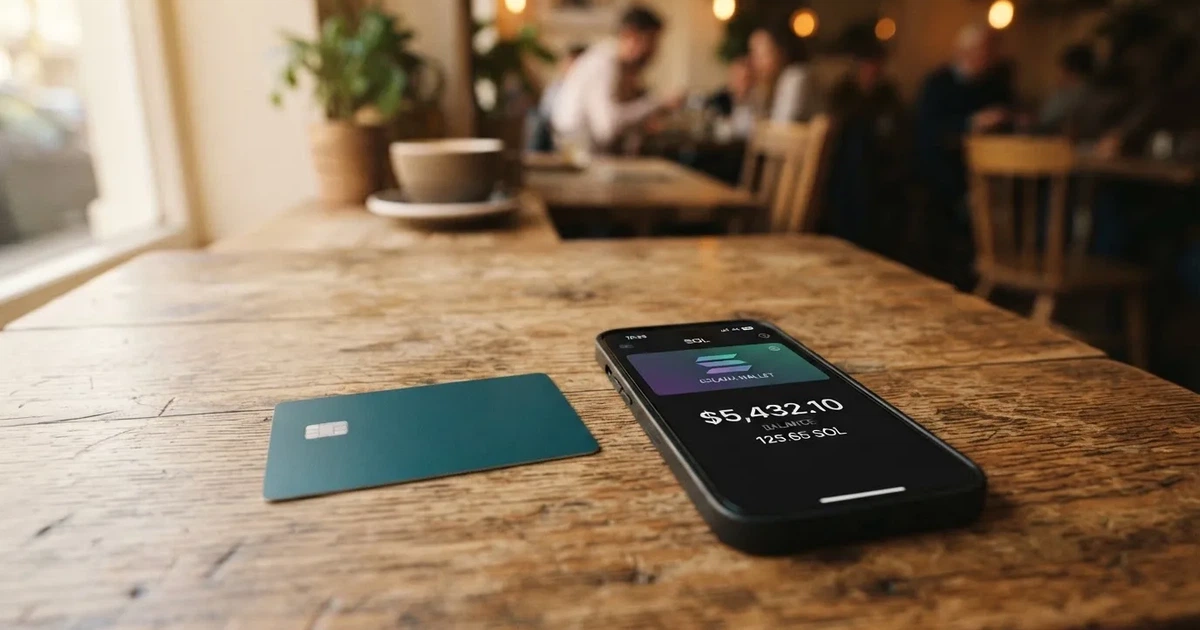
The conditions described here are current as of October 28, 2026.
Verdict: 7.1 out of 10
I scored Plasma One 7.1 / 10. It is a well-built, unusually cheap dollar card for people who already live in crypto and need to convert it into everyday spending, and it is honest about what it is. It is not a great fit if you want cash from ATMs, if you need a physical card in every tier, or if you want a bank-style guarantee on your balance — because it does not offer one.
Who it suits: people who hold stablecoins or dollars in crypto, already comfortable with a self-custody wallet and an on-chain transfer, who want a clean dollar Visa with real cashback and would rather earn XPL than cash. If your problem is “I have crypto and I need dollars to live,” this card is genuinely built for it, and at the Lite tier it costs nothing.
Who it does not suit: anyone looking for a bank account, a deposit guarantee, or heavy cash use. There is no ATM fee or allowance published, the physical card is reported to be a paid-tier feature, and your stablecoin balance is explicitly not a bank deposit and not covered by FSCS or FDIC. If you need those things, look at a regulated e-money or bank card instead.
| Criterion | Mark | Why |
|---|---|---|
| Who can get it | 7 / 10 | Residence decides eligibility; the Terms restrict a specific list of countries (including Belarus, India, Israel, China, Russia, Turkey, Ukraine, Vietnam, plus Cuba, Iran, North Korea) and the list is not exhaustive. |
| Cost | 8 / 10 | Lite with the card is $0 and the card “does not charge any additional fees”; FX outside USD up to 1%, cross-border 0%; the Core and Platinum tiers cost money or a lock of XPL. |
| Top-up options | 7 / 10 | Local currency converted to dollars; unofficial sources add USDT, USDC and USDG on listed networks and USD/EUR/GBP/MXN/BRL/COP accounts, with withdrawal to a bank or wallet. |
| Reliability and complaints | 6 / 10 | Issuer is Rain, a Visa member, services run through Bridge; Plasma is not a bank; collateral on the card can be liquidated after non-payment; Trustpilot shows 3.4–3.5 from just 2 reviews, one complaint about changed terms. |
| Everyday use | 7 / 10 | Virtual and physical Visa, Apple Pay and Google Pay; unofficial reports say the physical card is Platinum-only and the ATM position is unconfirmed. |
| Total | 7.1 / 10 | A fair, low-cost dollar card for crypto users, held back by cash-handling gaps and thin public detail. |
The low mark on reliability is not because anything has gone badly wrong — I found no official incidents — but because the score has to reflect that this is a young, non-bank arrangement with a small, mixed public review footprint and one live complaint about terms changing. That is a “watch it, don’t fear it” situation.
Will they give you the card
The short answer: eligibility turns on where you live, not on your passport, and a fairly long list of countries is closed to you outright.
The company’s own Terms carry a blunt caveat at the top: “Geographic, regulatory, and other eligibility limits apply, and are subject to change.” No complete country list is published on the card’s public pages. What is published is how services are routed by residence — US residents, EEA residents, and all other residents are served by different Bridge entities — and a list of restricted jurisdictions in Appendix I of the Terms of Service.
That restricted list is long, and I would not skip it. Users who are “located in or ordinarily resident in” the following may be restricted: Afghanistan, Belarus, Bosnia and Herzegovina, Central African Republic, China (Mainland), DR Congo, Guinea, Guinea-Bissau, Haiti, India, Iraq, Israel, Libya, Mali, Myanmar, Nepal, Nicaragua, Russia, Somalia, South Sudan, Sudan, Syria, Turkey, Ukraine (outside the Crimea/Donetsk/Luhansk/Kherson/Zaporizhzhia carve-out), Venezuela, Vietnam, Yemen, and Zimbabwe — plus Cuba, Iran, and North Korea. The Terms are explicit that this list is not exhaustive. Two further details: the Terms speak of being “located in or ordinarily resident in” a place, and I saw no citizenship rule in them; separately, the International Card Terms ask you to attest that you are not a US citizen. So the gate is residence first, with a citizenship attestation on the international side.
Now the messy part. Third-party sites disagree sharply with each other and with the Terms on this. One source says the card is available in 188 countries with 7 restricted, and that some countries (Belarus, China, India, Turkey, Vietnam, Nigeria) may still qualify if you can show residence in a supported country; the same source calls the card invite-only and covers 31 US states. A data aggregator lists only the United States. Another site says 150+ countries excluding the US. These are unofficial reports and I would not plan around any of them — several directly contradict the official Terms, which list Russia, Belarus, and Turkey as restricted. The official Terms are the document that binds you; trust them over a comparison site.
The practical test before you apply is therefore simple and slightly blunt: if you live in one of the countries above, this is probably not for you; if you live somewhere not listed, you still need to satisfy identity verification and hope your residence is served. What you cannot do is rely on a blog’s country count.
How to get it
Applying is presented as quick and app-first — “Get a card you can add to your wallet in minutes” is the pitch — but the steps and the exact documents are not fully spelled out on the public pages.
What is clear: you “Complete identity verification”, you must be 18 or older, and you may hold only one Card Account per person. The account also cannot be for someone under US, UK, or EU sanctions. On the product itself, you get a virtual and a physical Visa, issued by Rain, a Visa Principal Member, and accepted in 180+ countries; the account is a USD account — “Add local currency. Get dollars.” That is the whole offer in one line: local currency in, a dollar card out.
What is not stated, and this is the part that trips people up: the card’s public pages do not list the verification tiers, how long processing takes, or the rejection reasons. They also do not describe physical-card delivery — not the countries, not the time, not the cost, not the replacement fee. The Terms say only that cards are activated through the Plasma One app and that a replacement card may come with a new number.
Third parties fill in some of that, unofficial and unconfirmed by the card: they say verification usually means your legal name, date of birth, government ID, residence and address, and a liveness video, sometimes with proof of address; that automated checks usually finish in 5 minutes with human review on request; and that the physical card is a Platinum-tier feature, with the Core physical card not confirmed as live. Take all of that as a reasonable picture of how these things generally work, not as a promise. Before you commit, the two things I would confirm in the app itself are whether your residence is served and whether the tier you want actually ships you a physical card you can hold.
What it really costs: Fees, tiers and everyday payments
The headline is genuinely good: Plasma One “does not charge any additional fees.” That sentence does more work than it looks, because “no additional fees” means no monthly account fee and no added fee on top of the underlying costs — but the underlying costs still exist, and they show up as conversion and foreign-exchange rates rather than as a line item. Here is what the card actually charges or tells you it charges.
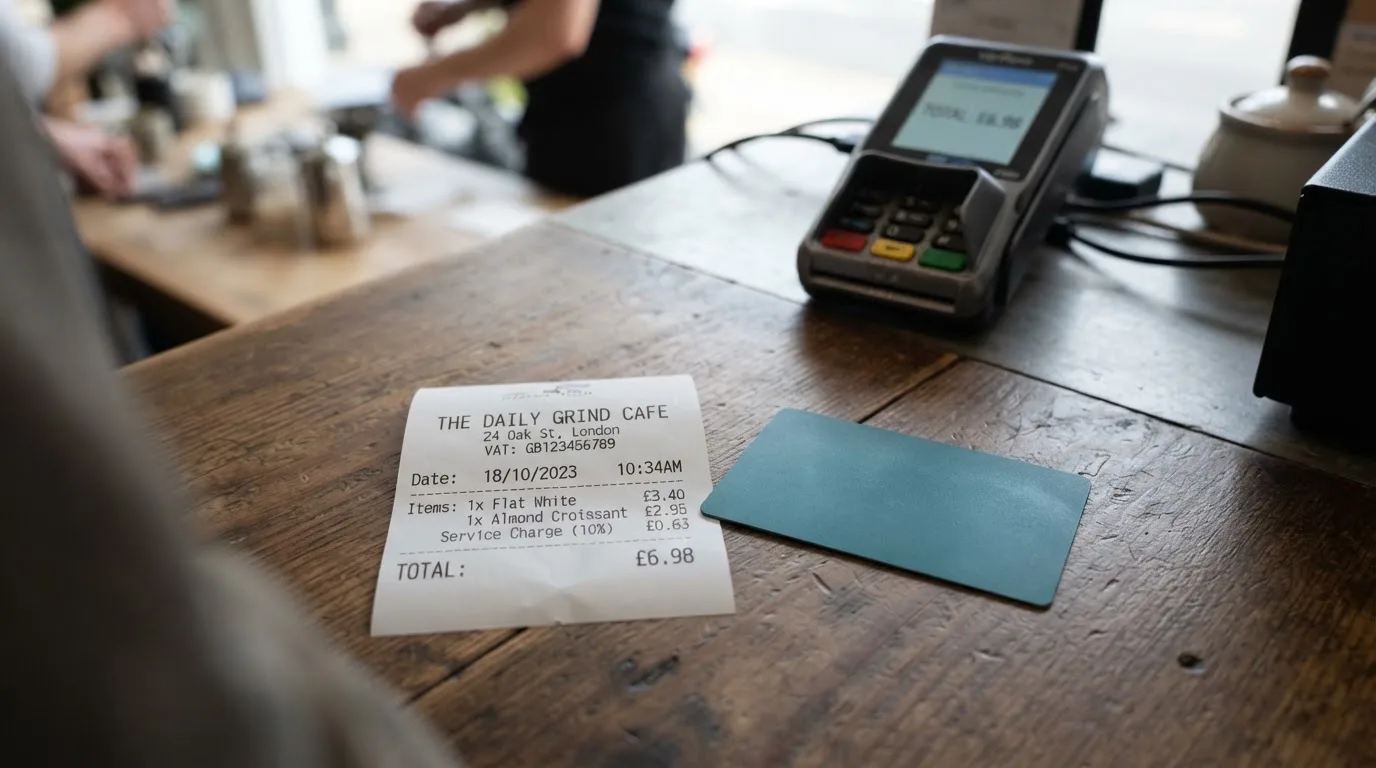
| Fee or limit | What the card states |
|---|---|
| Issuance | Lite tier card cost is $0; “Plasma One does not charge any additional fees.” |
| Monthly fee | Not stated as a recurring fee; tiers are reached by subscription or an XPL lock (Core) or an XPL lock (Platinum). |
| Conversion (crypto) | Zero-fee USDT transfers are advertised; “third-party fees may apply.” |
| FX (non-USD) | Foreign exchange on non-USD up to 1%; cross-border 0%; 0% APR on purchases. Platinum covers the Visa FX fee. |
| ATM | ATM withdrawals earn no Rewards and Spending Credit cannot be applied; the ATM fee and allowance are not stated in the Terms. |
| Spending limits | Set by Plasma based on collateral; can be changed or reduced to $0 at any time; no dollar maximums stated. |
Let me put that table in plain terms, because “no fees” and “the costs below” are not in tension — they are just two different places the money goes.
Paying for something in dollars, in the US or online. If you are spending from a USD balance in a USD merchant, the card adds nothing: no conversion fee, no monthly fee, no interest (“0% APR on purchases”). This is the clean case, and it is the case the card is designed around.
Paying in a non-USD currency — say, a euro subscription or a local shop abroad. Here you meet two separate percentages. The International Card Terms put foreign exchange on non-USD at “up to 1%” and cross-border at 0%, and say 0% APR on purchases. On top of that, unofficial sources describe a Plasma FX markup that varies by tier (Lite around 1%, Core around 0.5%, Platinum 0%) and note that the Visa network’s own FX of about 1% may apply, with one other site putting the effective non-USD spend cost nearer 2%. None of that is confirmed by the card, so treat the real number as “somewhere between zero and two percent depending on tier and route,” and check the rate in-app before you commit to a large purchase. The one clean exception is Platinum, which the card says covers the Visa FX fee outright.
Paying from crypto rather than from a dollar balance. If you first have to convert crypto into dollars, the on-chain network fee is charged by the blockchain, not by the card, and “third-party fees may apply” to USDT transfers. There is also the currency-level fee: Cash Out and top-ups “may carry processing fees and minimums,” with amounts not specified on the public pages. This is the part most likely to surprise you, because it is the fee you pay precisely when you are converting, and it is not on the card’s fee list.
Using an ATM. This is the real gap. ATM withdrawals earn no cashback and Spending Credit cannot be applied to them, and the Terms do not publish the ATM fee or the withdrawal allowance. Unofficial sources confirm the gap rather than filling it: one says ATM fees, withdrawals and limits are not published for any tier, another says the virtual-only Lite card cannot be used at ATMs at all. If cash is part of your life, you have to ask support what it costs before you rely on it.
Spending limits. There is no published dollar maximum. Plasma sets limits based on your collateral and can change them, or cut them to $0, at any time, and cash-like transactions may be restricted. That is worth internalising: your card is a window onto the value you have put in as collateral, and the window’s width is at the company’s discretion, not fixed by a number you can plan around.
Finally, the tiers, because “fees” and “tiers” are the same story here. The card says Lite costs $0 and includes the card, a 2% base cashback and one free virtual card with standard support. Core adds a 3% base and 5% “AI” cashback, ChatGPT Go, reduced fees, priority support and up to two free virtual cards — reached by an annual USD subscription or a 12-month XPL lock. Platinum adds 4% base and 10% AI cashback, Claude Pro and ChatGPT Plus, up to USD 600/year of flight cashback, no added fees with the Visa FX fee covered, VIP support and up to three free virtual cards — reached only by an XPL lock. The dollar prices for Core and Platinum are not on the public pages; unofficial sources put Core at around $199/year or a lock of 20,000 XPL for 12 months, and Platinum at a lock of 100,000 XPL for 12 months, with the Help Center noting a launch rate that later rises (to 150,000 XPL). Sources differ on the Core price, so confirm it in the Help Center before you lock anything. One structural point to understand before you choose a tier: locked XPL cannot be unlocked early, and you cannot close the account while a lock is active. A tier unlocked with XPL ties your tokens up for a year; that is a commitment, not a discount.
How to Top up: funding, currencies and getting money back out
Plasma One works like this: you add local currency, you get dollars, and the card spends the dollars. Withdrawals go to a bank or a wallet through in-app off-ramps where those are available, and USDT is the transfer asset the card names. The underlying rails depend on your region.
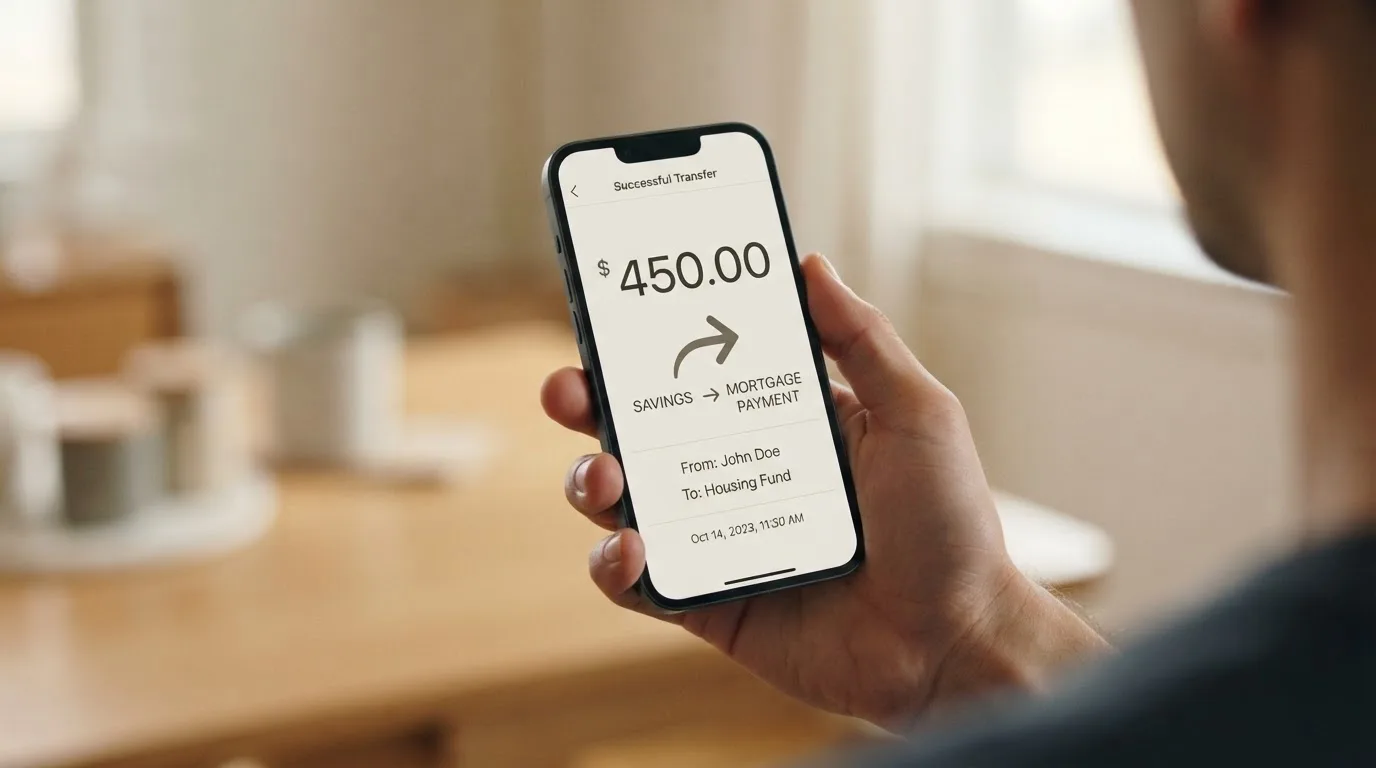
What the card states plainly: top-up fees and minimums are not published; “Plasma One does not charge any additional fees”; partner fees for some FX and bank-withdrawal transactions are shown in the app before you confirm; and Cash Out “may carry processing fees and minimums,” amounts unspecified. Withdrawal is meant to be available “anytime” to a bank or a wallet via in-app off-ramps, with rails depending on region. On closure, the issuer may suspend or cancel the account at any time, and — this is the part to sit with — withdrawing your collateral does not end any outstanding obligations, and Spending Credit is not cash and is forfeited if the account closes.
Unofficial sources fill in the mechanics, and these are useful as a shape but not as a promise: they say you can deposit USDT, USDC, and USDG on listed networks, usually arriving within 5 minutes; that you can hold fiat virtual accounts in USD, EUR, GBP, MXN, BRL, and COP which are converted to USDT; and that New York residents cannot use the fiat rails. On cost, unofficial figures describe the deposit side as free for USDT and USDG, and USDC free up to $30,000 per transaction, with USD ACH on-ramp fees around $1.00/$0.50/$0.50 by tier and wire around $15/$15/$10, and ACH off-ramp percentages around 0.75%/0.35%/0.10% plus the ACH fee. None of that is on the card’s own pages.
So here is what “top up” actually means in practice, and where to be careful. If you are sending a stablecoin, the single most important thing is the network: send on a network the card supports, or the deposit can be lost or need manual support recovery with no guarantee, because blockchain transfers are irreversible. The card does not publish the list of supported networks on its public pages, so this is a “check in the app before you send” item, not a “read the docs” item. If you are topping up with fiat, you are converting local currency into dollars through whatever partner the app routes you to, and the partner fee is shown before you confirm — which is at least the transparent way to do it. If you want your money back out, the mechanism is an off-ramp to a bank or a wallet, region-dependent, fee shown in-app, and you should know up front that the card cannot promise the same rails you put in.
Two habits make this smoother than it sounds. Test the whole loop with a small amount first — top up, spend, withdraw — so that a network mistake or a fee surprise happens on ten dollars, not on a month’s spending. And keep your collateral understanding clear in your head: this is a card backed by assets you put in, and those assets are what get liquidated if you do not pay. I will come back to that, because it is the risk that is easiest to overlook.
Paying with it every day
Day to day, Plasma One behaves like a normal dollar Visa, and that is its strongest suit. You have a virtual and a physical card, both Visa, and you can add the card to Apple Pay (iPhone) and Google Pay (Android) — availability depends on your region. The apps are on iOS (App Store) and Android (Google Play); the store ratings and number of ratings are not stated on the site and I could not find them, so I am not going to quote you a star figure I cannot verify.
The rewards are the part people notice. Cashback is paid in XPL, and it scales with your tier: Lite is 2% base; Core is 3% base with 5% on “AI” spend; Platinum is 4% base, 10% on AI, plus up to USD 600/year of flight cashback. The card says these rates vary by tier and may change. So the honest framing of “cashback” here is: it is paid in a token, not in dollars, and its dollar value moves with XPL. If you want to spend the cashback, you are exposed to that token’s price; if you treat it as a discount on your own spending, you are fine; if you are counting on a fixed dollar rebate, you are not.
Two practical mechanics for daily use. First, if a charge goes wrong, the team helps you dispute unauthorized charges and issues a replacement card, but a disputed charge has to be reported within 60 days of it appearing on your statement. Put a reminder in your calendar; that window is shorter than people assume. Second, on payment acceptance generally: because a card number’s first six or eight digits identify the issuing institution and country, a card issued in one country can look “foreign” to a shop in another, and some merchants apply extra scrutiny or decline prepaid and foreign-issued cards outright. So the occasional decline is not automatically a fault in your account — it can be the card’s issuer country, or the merchant’s policy, rather than anything about you. Also worth knowing: address verification is mostly a US/Canada/UK thing and often unavailable for foreign-issued cards, and a declined authorisation can leave a hold on your funds for several days.
I want to be straight about the limits of the everyday picture. The public pages do not disclose blocked merchant categories, do not publish ATM availability, and do not give you a daily spending maximum — unofficial sources say you can adjust limits in the app with changes effective in about a minute and no universal maximum is published. In practice: use Apple Pay or Google Pay where you can, keep your limit conservative until you have seen how your own spending pattern behaves, and treat the 60-day dispute window as the one hard external deadline the card puts on you.
What can go wrong
Nothing catastrophic has surfaced officially — I found no official incidents. But there are five real exposures, and they are worth weighing against the free Lite tier.
1. It is not a bank, and your balance is not a deposit. Plasma describes itself as a “financial technology company” and explicitly “not a regulated financial institution, bank.” Account services are powered by Bridge, and the card is issued by Rain, a Visa Principal Member. The FAQ says you hold custody (“You do”), but at the same time the card is a collateral-backed account whose collateral can be liquidated after non-payment. This is the structural risk that matters most: the card is not just a way to spend, it is a secured position, and the security can be called in.
2. Your money is not guaranteed by a deposit scheme. The card states that stablecoin balances are not bank deposits and are not covered by FSCS or FDIC. Under EU e-money rules, providers must safeguard customer funds by segregating or insuring them, but safeguarded funds are not the same as bank deposits and may not fall under a deposit guarantee. If the failure scenario you are worried about is “the provider disappears and I get nothing back,” that risk is not eliminated here — it is just managed differently than in a bank.
3. The terms can change, and one reviewer says they did. The single most concrete complaint I found is on Trustpilot for plasma.org, sitting at roughly 3.4–3.5 out of 5 — but from only 2 reviews, and the company has not invited reviews, so treat that number as anecdotal rather than statistical. Of those two, one critical review says the terms and the arbitration body changed (to the LCIA) after the reviewer flagged issues, and that advertised Platinum-tier benefits are not present in the current published tier. A July 2026 positive review praises the cashback, low fees, and virtual card but notes there was no physical card yet and that it was a private beta with an access key. I found no Reddit threads and no store-rating data. The complaint’s substance — that terms can move under you — is exactly the thing to keep in mind on any card whose higher tiers depend on locking XPL.
4. Unlocking a tier can tie you up. The Core and Platinum tiers are reached by locking XPL for 12 months, and locked XPL cannot be unlocked early; the account cannot be closed while a lock is active. If XPL falls while it is locked, you are locked into a tier whose cashback (paid in XPL) is now worth less, at exactly the moment you might least want to be tied up. The Help Center amount is a “launch rate” that later rises, and the Terms took effect 26 February 2026 — this is a young, still-settling structure.
5. The category’s own failure modes. Programme closures in this space are real: Visa terminated its global agreements with FTX in November 2022 and wound down that card, and WaveCrest, a Visa issuer that supplied several crypto card brands, was suspended by Visa in Europe in 2018, closing all its Visa programmes. Closures typically mean a notice period, then spending and loading stop, then you are asked to withdraw remaining balances. On-chain mistakes are also unrecoverable: sending on an unsupported network or to the wrong address can lose the funds or need manual support recovery with no guarantee, and because transfers are irreversible, a stolen key has no built-in recovery. And a note on “safety” that is easy to misread: self-custody means you hold the keys, which means you alone bear the risk of key loss, phishing, and clipboard malware that swaps a copied address. Neither choice — custody or self-custody — is free of risk; they just move it to different places.
Taken together, none of these make Plasma One a bad card. They make it a card for someone comfortable holding crypto themselves and treating the balance as spendable value they control, rather than as money parked in a deposit.
What to take instead
If Plasma One’s gaps — cash handling, a physical card that may be paid-tier only, and a balance that is not covered by a deposit guarantee — line up with the thing you actually need, there are three other crypto cards worth putting side by side. All three also score below Plasma One on my scale, but they fail differently, and for some readers that difference is the point.
| Alternative | Score | Who it suits | Where it differs |
|---|---|---|---|
| Plasma One | 7.1 / 10 | Crypto holders who want a dollar Visa with cashback in XPL | Card cost from $0 at Lite; FX up to 1%; balance is not a deposit; ATM and limits unpublished |
| BloFin Wallet Card | 6.9 / 10 | Traders already on BloFin who want a card tied to the exchange | Spend fee “1% or lower” by VIP tier (down to 0%); no cashback, a reduced spend rate instead; top up with USDT/USDC on Arbitrum and Base |
| Decaf | 6.2 / 10 | People who want no FX markup and no annual fee | Decaf adds no FX fee (“the FX is the one Visa offers”); virtual card $5, physical $10 (US) / $90 (rest of world), no monthly fee; long restricted-country and US-state list |
| SafePal | 6.2 / 10 | People already deep in SafePal who want broad chain support | No account fees; top-up from 40+ blockchains converted to USDC; 1% FX on non-USD; no cashback; tier perks tied to deposits and staking |
A few honest comparisons as you walk through these:
BloFin Wallet Card is the closest rival. It is a Visa Platinum card whose spend fee is “1% or lower” and drops to 0% at the top VIP level, charged at payment. It pays no cashback — its pitch is a “reduced spend rate” instead, “no waiting for cashback.” It tops up with USDT and USDC on Arbitrum and Base. Its country list is not published on the card page (you pick a country in the app), and the starting data names 35 countries including the US, Australia, Japan, UAE, Brazil, Mexico, Malaysia, and New Zealand. If your priority is the lowest possible flat spend cost and you already trade there, BloFin is competitive; if you want cashback, it is not.
Decaf is the one to look at if FX is your main worry, because Decaf adds no fee of its own on conversion — “the FX is the one Visa offers,” meaning you pay the network rate and nothing more. It also has no annual or monthly fee. The trade-off is entry cost and reach: a virtual card is $5 worldwide, a physical card is $10 in the US or $90 elsewhere, and the card is not issued in a long restricted list (Belarus, China, North Korea, India, Iran, Iraq, Israel, Myanmar, Nepal, Russia, Syria, Turkey, Cuba, Ukraine, Venezuela, Vietnam, Nicaragua, Puerto Rico, Nigeria), with a further set of restricted US states (Arizona, Delaware, Georgia, Idaho, Louisiana, Maryland, Montana, Ohio, Oregon, Rhode Island, Washington, Wisconsin). Whether its rules bite on citizenship or on residence is not stated.
SafePal suits someone already invested in its ecosystem. It is a virtual Mastercard debit — no physical option stated — with no account-creation or management fees. You can top up from 40+ blockchains, converted to USDC by default or to fiat, settling on Arbitrum, and spend limits are given in euros against a Swiss Fiat24 account. Costs are the trade-off: a 1% FX fee on Mastercard non-USD settlement, a 1 USD/EUR/CHF/7 CNH refund processing fee, and a spread baked into swaps; elsewhere it advertises crypto top-up “as low as 0.4%” on the top tier. No cashback — value comes from referral commissions and tier privileges tied to deposits, referrals, and staking.
Pull the comparison together and the choice is fairly direct. Lowest flat cost and a wallet you already use → BloFin. No FX markup and no recurring fee → Decaf. Broad multi-chain reach inside an existing ecosystem → SafePal. And if what you actually want is dollars, cashback, and a card that costs nothing to start → that is still Plasma One, which is why it scores highest of the four for me.
Who I would recommend it to
I would recommend Plasma One to a specific person. You hold USDT, USDC, or dollars inside crypto, you are comfortable sending a stablecoin on a specific network and understand that transfers cannot be undone, you want a dollar Visa with genuine cashback rather than a flat discount, and you would rather not pay a monthly fee to keep it. You live in a country the Terms do not restrict. You probably pay online or in dollars, and you use Apple Pay or Google Pay rather than needing cash from ATMs. You are at peace with the balance not being a government-guaranteed deposit, and you understand your tokens are collateral that can be liquidated if you do not pay. If all of that is you, the free Lite tier is a genuinely good deal and I think you should try it with a small amount first.
I would steer you away, or at least toward a bank or regulated e-money card, if any of these are true:
- You need cash from ATMs regularly — the fee and allowance are not published, and the free tier may not even work at ATMs.
- You want a physical card in your first tier — the physical card is reported to be Platinum-only, which means a lock or subscription.
- You want your balance protected by a deposit guarantee — it explicitly is not, and FSCS/FDIC do not cover it.
- You are in a restricted country, or you cannot satisfy identity verification from where you live.
- You want to close your account easily — while an XPL lock is active you cannot, and withdrawing collateral does not extinguish outstanding obligations.
- You are looking for a fixed cash dollar rebate — the cashback is in XPL and moves with the token.
The honest one-line version: Plasma One is a good, cheap, honest-about-itself dollar card for people already inside crypto, and a poor substitute for a bank account for everyone else. That is not a hedge — that is, I think, exactly what it is built to be, and it does that job at 7.1 / 10.
Frequently asked questions
What is the Plasma One card?
Plasma One is a Visa payment card linked to a crypto balance. You add local currency or stablecoins, the app converts them into a USD account, and you spend that balance like an ordinary dollar card — in stores or online, in person or through Apple Pay and Google Pay. Cashback is paid in the platform’s token, XPL. The card is issued by Rain, a Visa Principal Member, and services run through Bridge. Plasma itself is a fintech company, not a bank.
Is Plasma One a bank, and is my money safe?
No — Plasma describes itself as a financial technology company and explicitly not a regulated financial institution or bank. You hold custody of the crypto yourself, and the card states that stablecoin balances are not bank deposits and are not covered by FSCS or FDIC. The card is a collateral-backed account, and that collateral can be liquidated after non-payment. It is a spending tool backed by assets you control, not a deposit account.
How much does Plasma One cost, and are there really no fees?
The Lite tier card costs $0, and the card says it “does not charge any additional fees.” But costs still appear as conversion and FX rather than line items: foreign exchange on non-USD is up to 1%, cross-border is 0%, and crypto conversion can involve on-chain network fees charged by the blockchain plus partner fees shown in the app. ATM fees and withdrawal allowances are not published. Core and Platinum tiers cost money — a subscription or a 12-month XPL lock.
How do I top up the card, and which network should I use?
You add local currency and receive dollars, or deposit stablecoins — unofficial sources say USDT, USDC, and USDG on listed networks, usually arriving within 5 minutes, with fiat virtual accounts in USD, EUR, GBP, MXN, BRL, and COP converted to USDT. The critical point is network choice: the card does not publish its supported networks, so check in-app before sending, because transfers are irreversible and a wrong network can mean lost funds.
Can I withdraw my money, and can I close my account?
You can withdraw to a bank or a wallet “anytime” via in-app off-ramps, where available, with rails depending on your region and fees shown in the app; Cash Out may carry processing fees and minimums. Two caveats: withdrawing collateral does not end any outstanding obligations, and if you hold a tier unlocked by a locked XPL stake, the account cannot be closed while that lock is active, and locked XPL cannot be unlocked early.
Does the card work with Apple Pay and Google Pay?
Yes — the card supports Apple Pay on iPhone and Google Pay on Android, with availability depending on your region. Adding a virtual card to a wallet is the fastest route to paying online, since mobile wallets replace the card number with a device-specific token and use a one-time code per payment. The apps are on iOS and Android; store ratings are not published on the site’s pages.
What are the spending limits, and can I use it at ATMs?
Spending limits are set by Plasma based on your collateral and can be changed or reduced to $0 at any time; no dollar maximums are published, though unofficial sources say limits can be adjusted in-app within about a minute. On ATMs: withdrawals earn no cashback, Spending Credit cannot be applied, and the ATM fee and allowance are not stated in the Terms — some unofficial sources say the virtual-only Lite card cannot be used at ATMs at all.
Is Plasma One available in my country?
Eligibility turns on where you live. The Terms restrict users located in or ordinarily resident in a long list including Belarus, China, India, Israel, Russia, Turkey, Ukraine, and Vietnam, plus Cuba, Iran, and North Korea, and the list is not exhaustive. No complete country list is published on the public pages, and third-party sites contradict each other and the Terms. The International Card Terms also ask you to attest you are not a US citizen.
How do I cash back my XPL, or use the cashback itself?
The cashback is paid in XPL, not dollars, and its value moves with the token — so treat it as a discount on your own spending rather than a fixed rebate. Rates scale by tier: Lite 2% base, Core 3% base with 5% on AI spend, Platinum 4% base with 10% on AI plus up to USD 600/year flight cashback. The card notes these rates vary by tier and may change.
Is Plasma One safe, and what happens if the company disappears?
It carries the category’s usual risks rather than any specific known incident — I found no official incidents and no Reddit threads. Treat it as a crypto product, not a bank: self-custody means you bear the risk of key loss and phishing, transfers are irreversible, and stablecoin balances are not covered by FSCS or FDIC. Programme closures in this industry have happened before — Visa ended its agreements with FTX in 2022 and suspended WaveCrest in Europe in 2018 — so do not treat any single provider as permanent.
Wallet cards: the entry point – cryptocardportal.com
Content created by the «cryptocardportal.com» team